
Know where your dough goes.
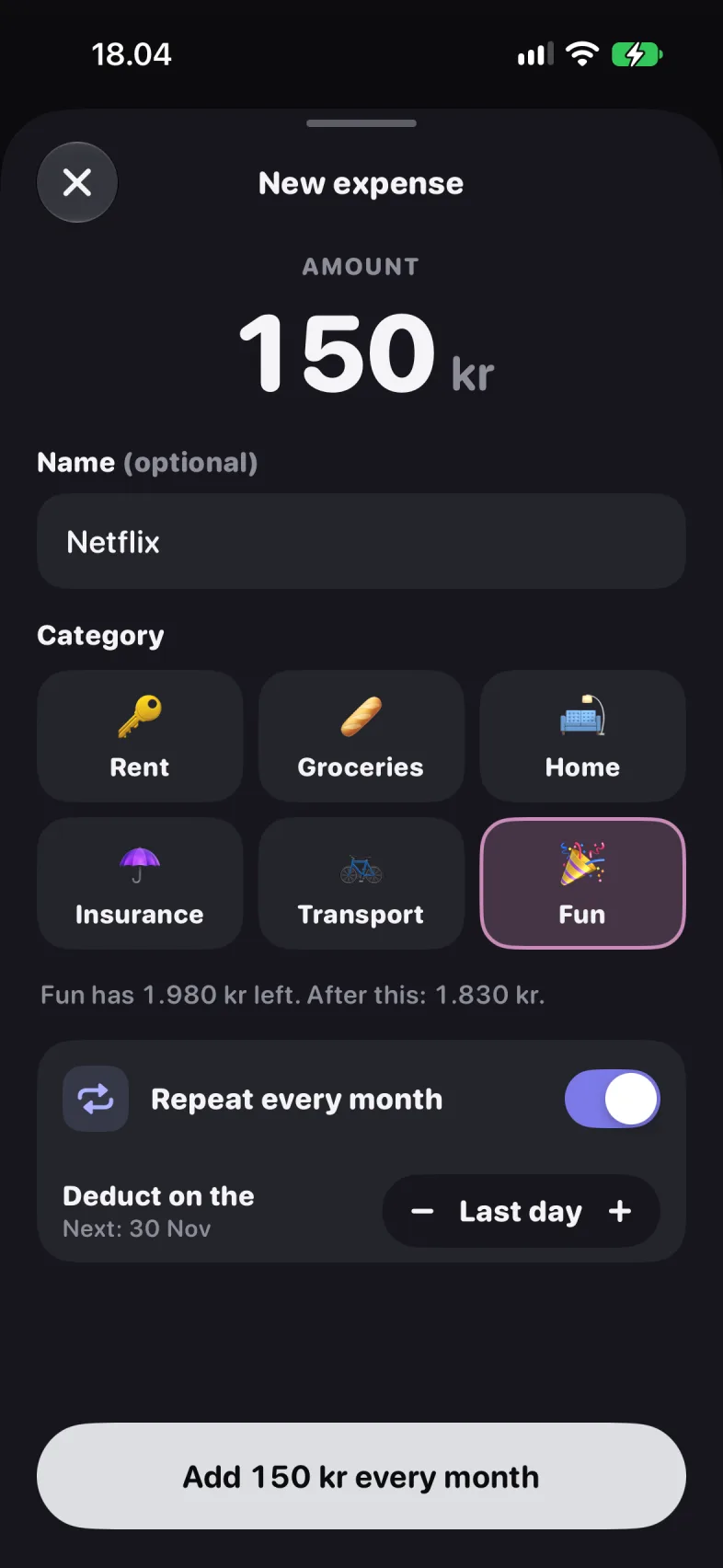
Set a monthly budget, split it into categories, and log what you spend by hand or by scanning the receipt. Alone, or together with a partner.

iOS 26 · iPhone
FreeNo accountWorks offline
How it works.
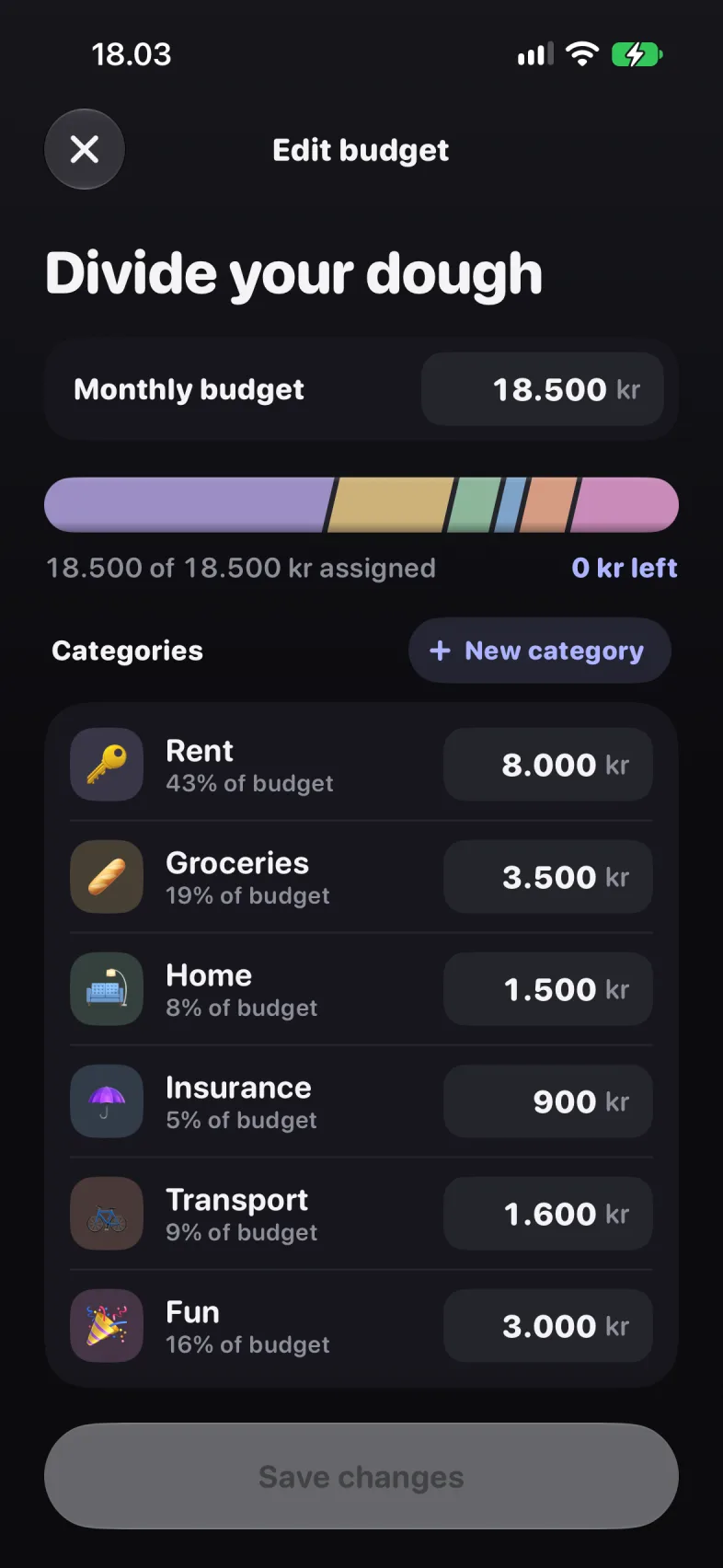
Set the month's budget.
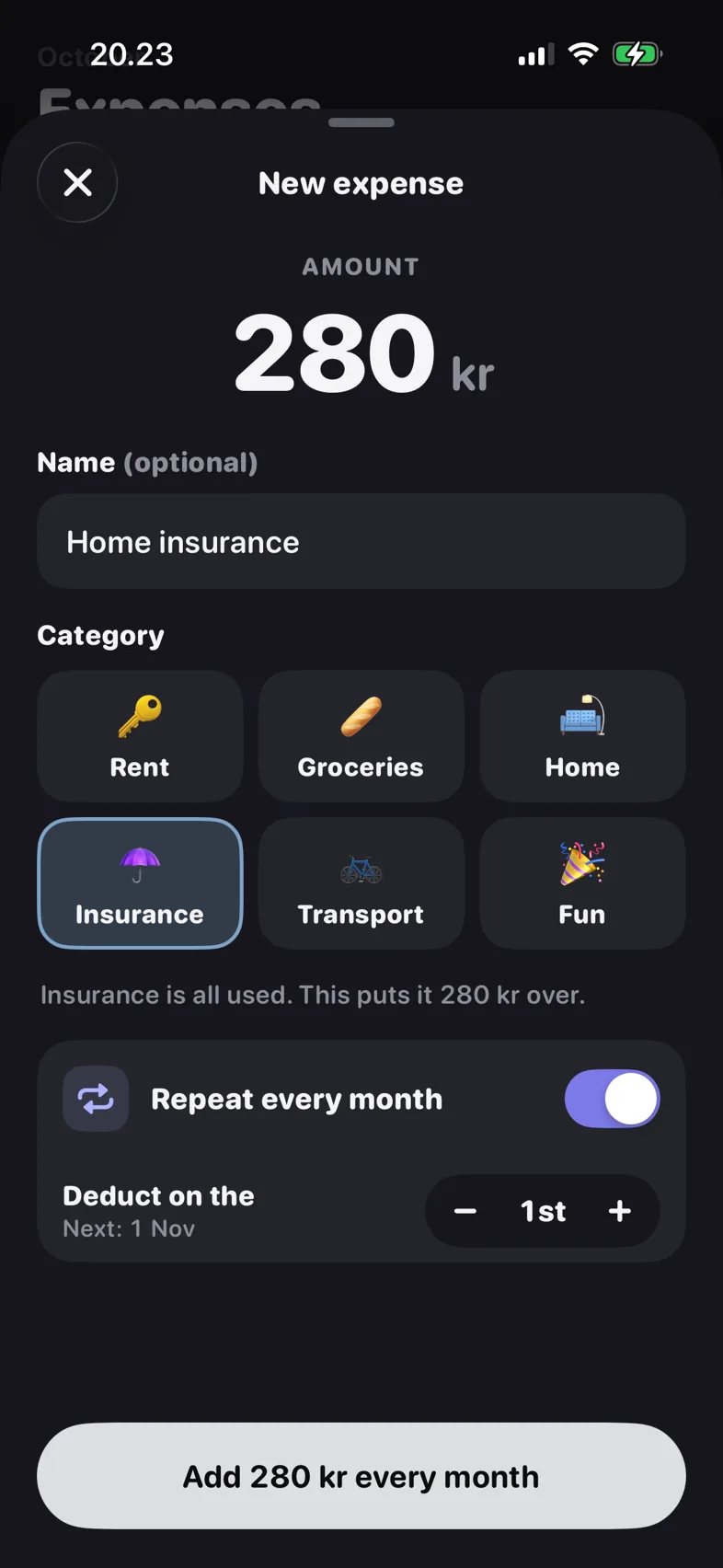
One amount, in your currency. Then split it into the categories you actually spend on: rent, groceries, fun.
Log what you spend.
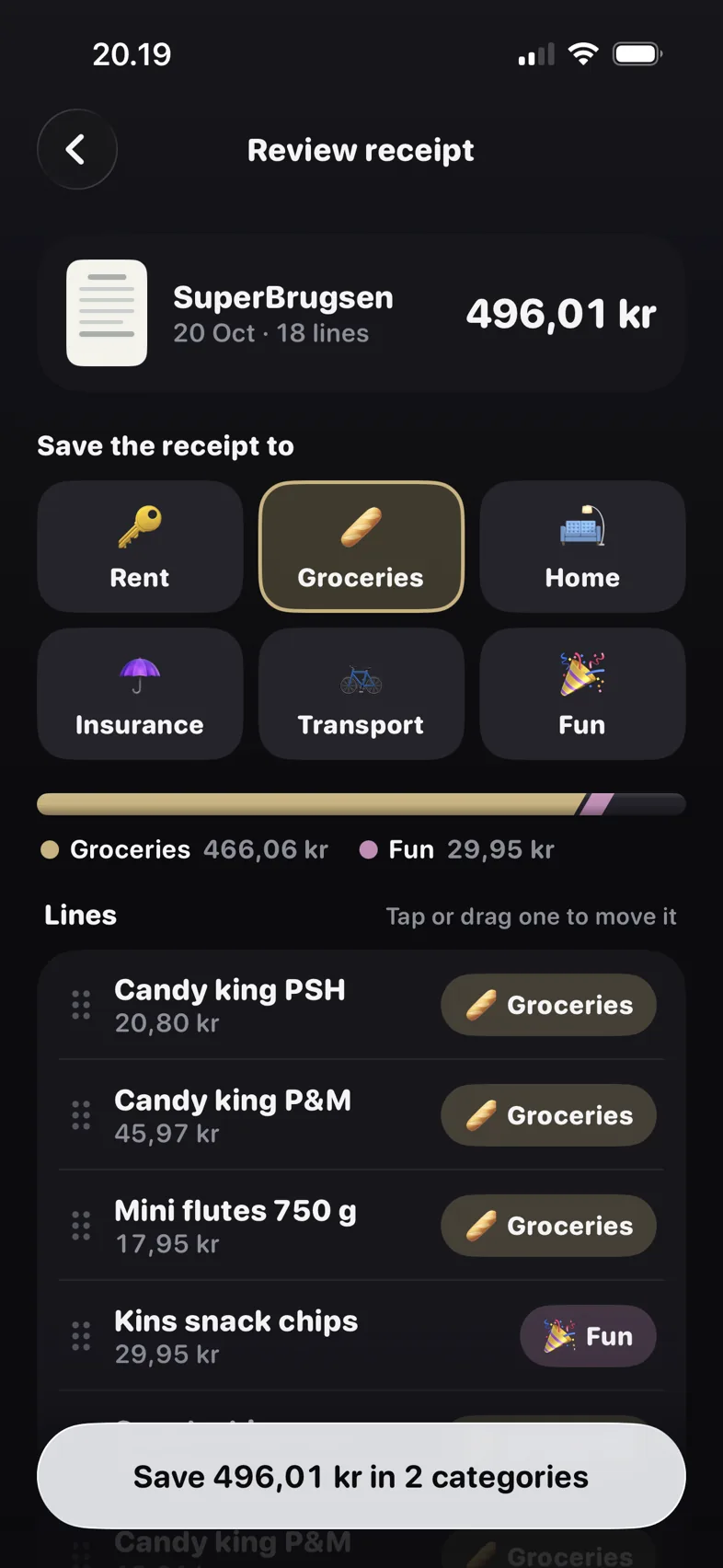
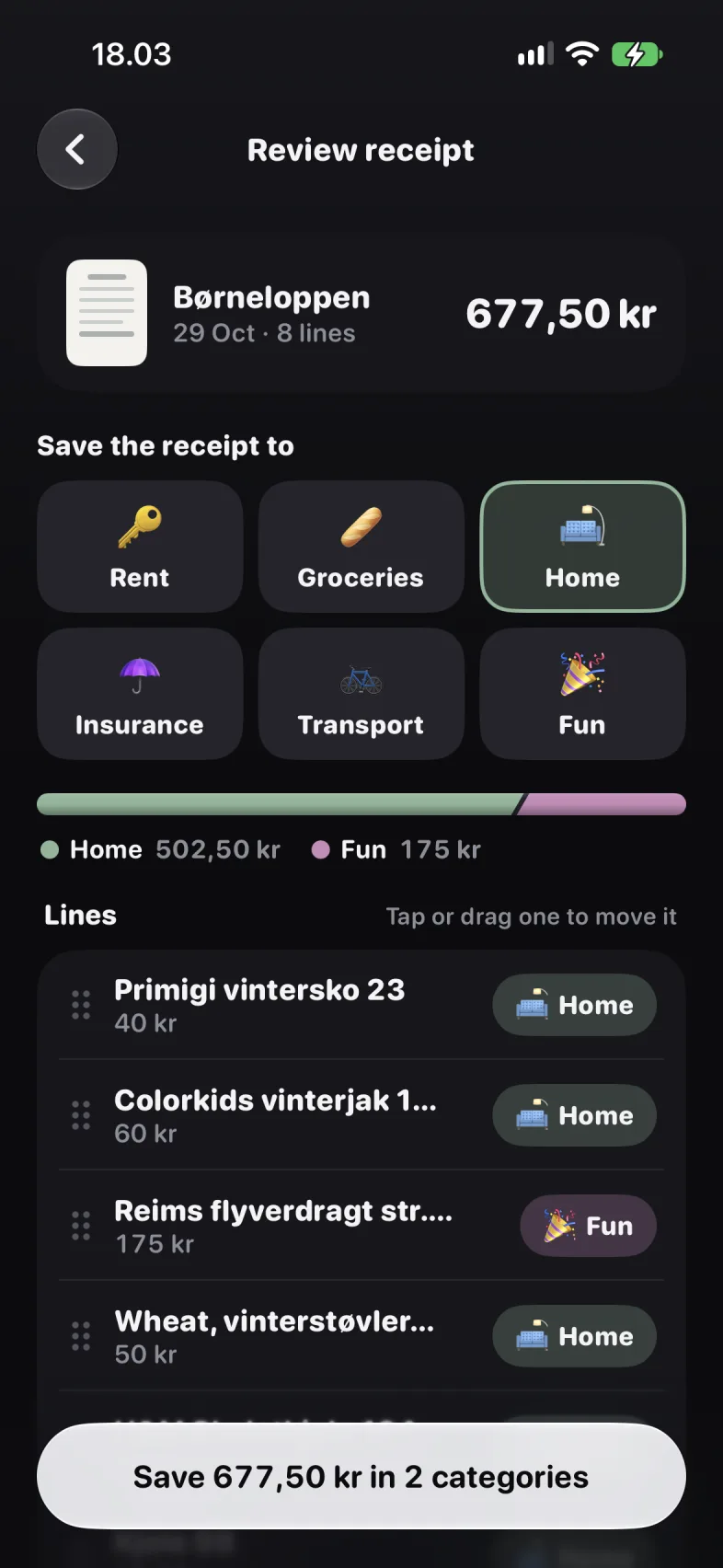
Type it in, or point the camera at the receipt and let it read the lines. Split one receipt across categories if you need to.
Watch the bar.
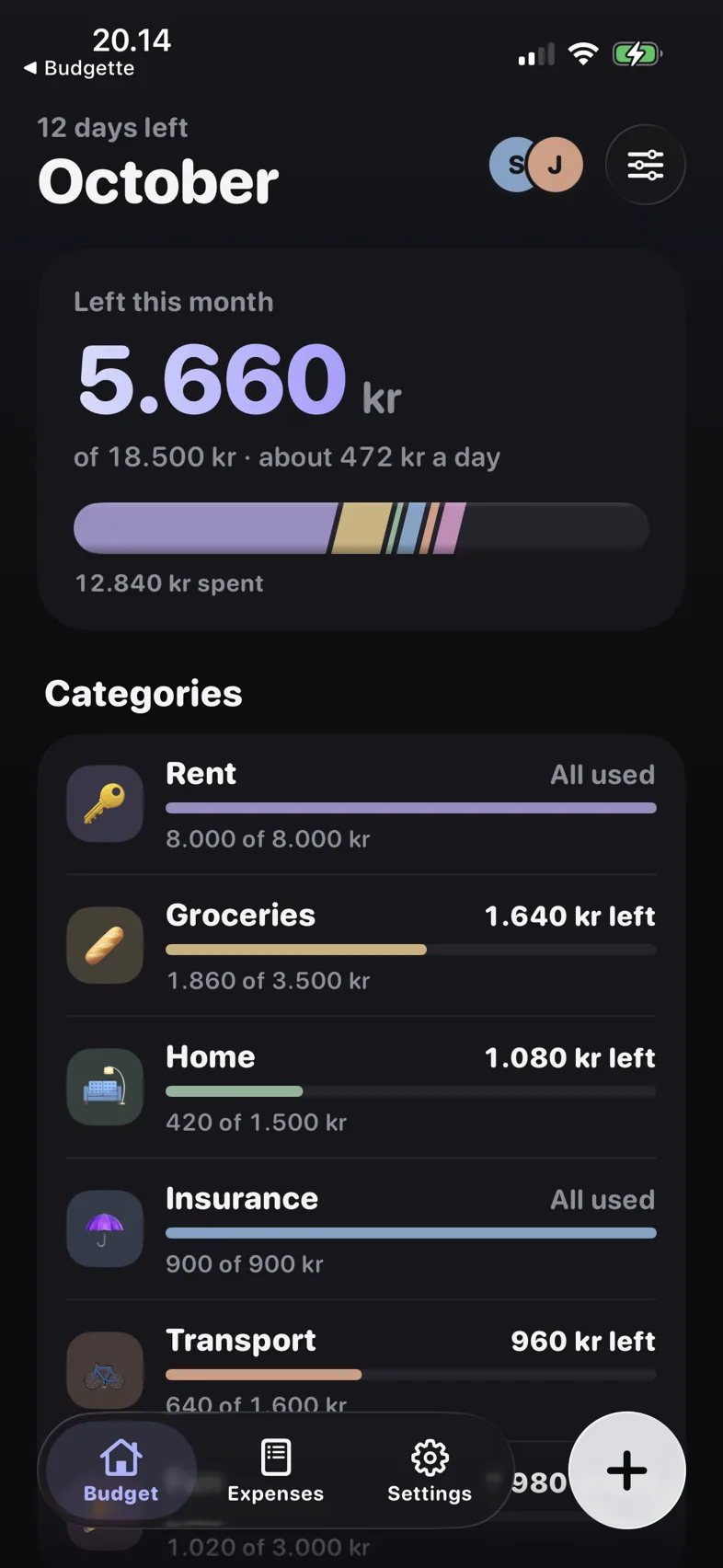
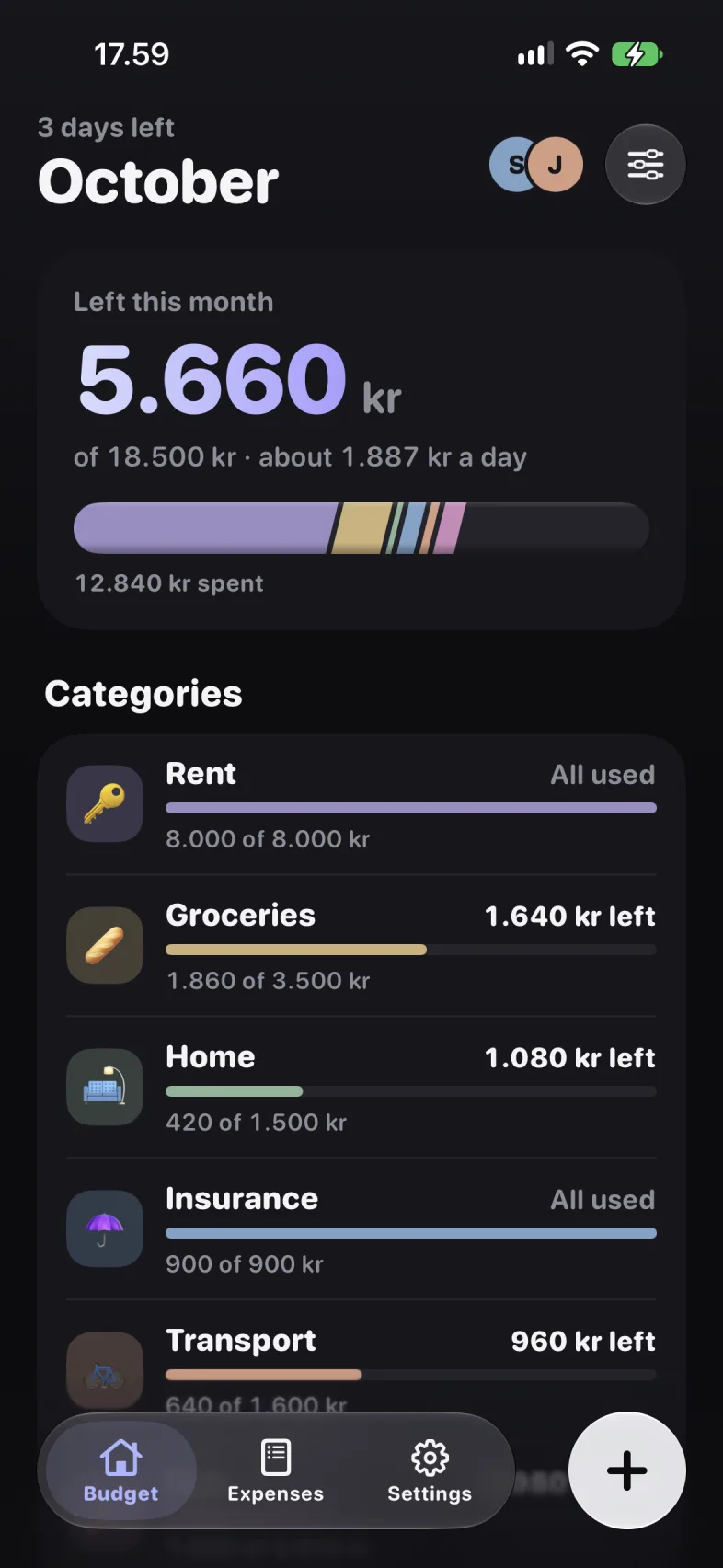
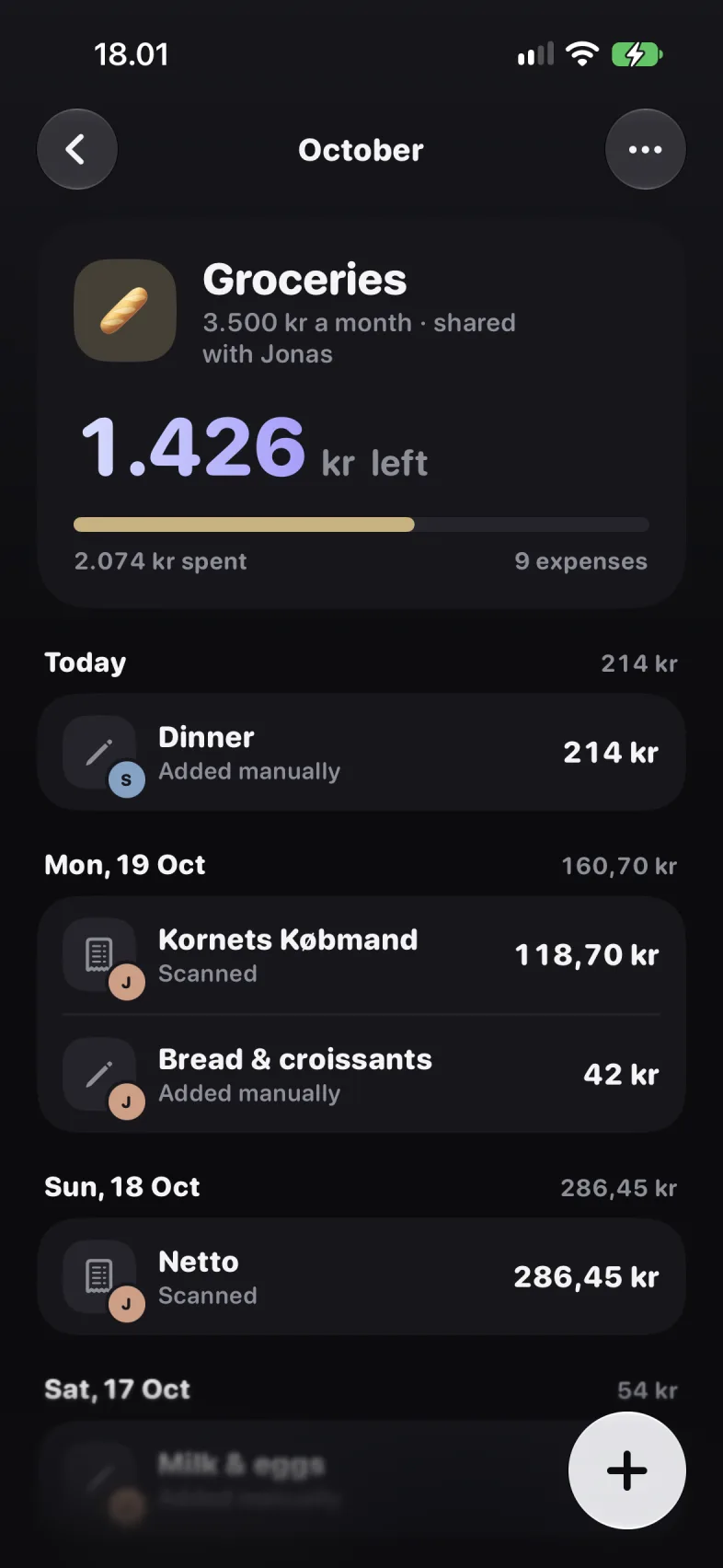
The baguette bar shows what's gone and what's left. One glance tells you whether this month is fine.
What it does.

Questions.
Do I need an account?
No. Your budget lives in a database on your iPhone. If you budget with a partner, the two of you share it through your own iCloud accounts.
How does scanning work?
Point the camera at a receipt. The app reads the lines on the phone itself, shows them to you, and you decide which category each line goes to. Nothing is uploaded to be read.
Can two people use one budget?
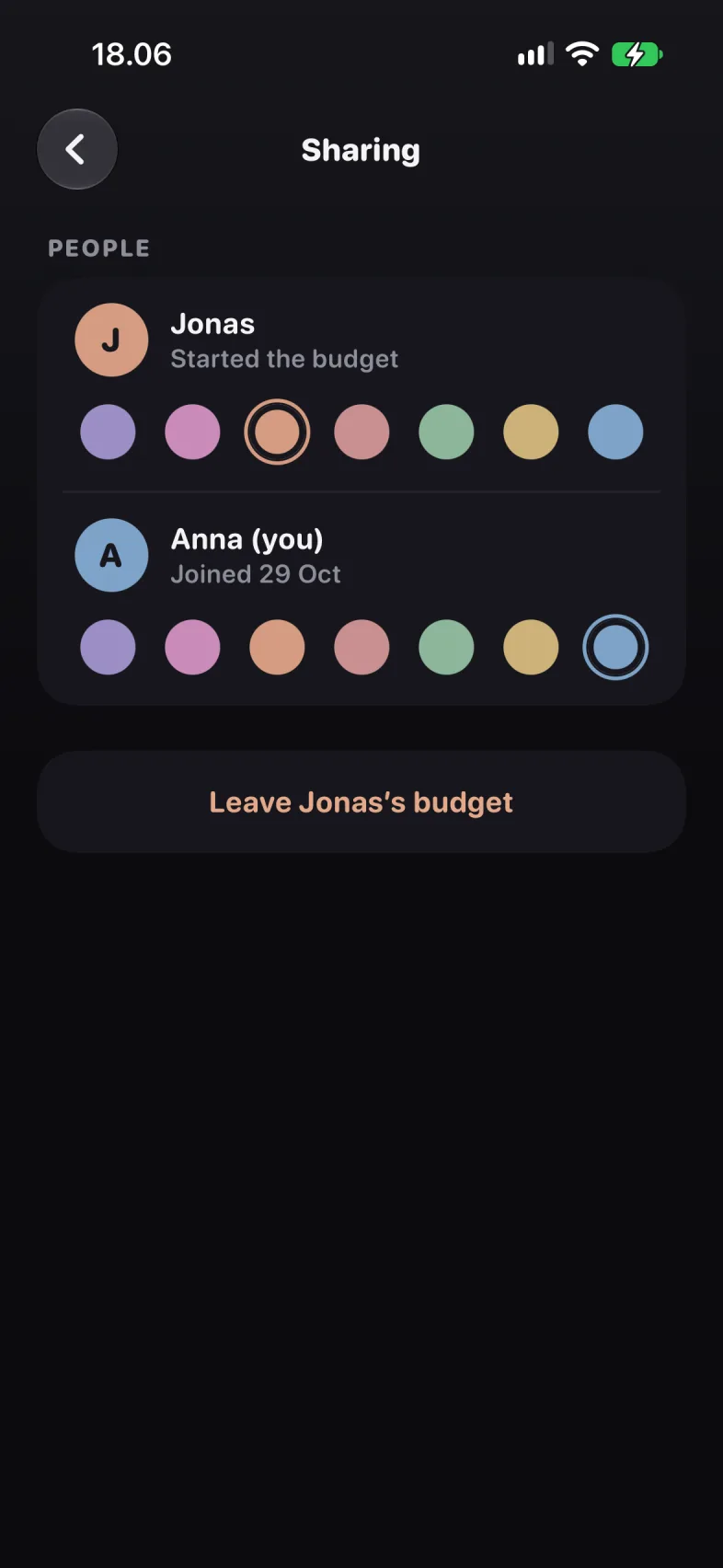
Yes. One of you invites the other with a code. From then on both see the same budget, and every expense shows who added it.
Does it work without a connection?
Yes. Everything is stored on your phone. iCloud sync, if you use it, catches up when you are back online.
What does it cost?
Budgette is free. There are no in-app purchases.

Get Budgette.
Know where your dough goes. Easy budgeting, solo or with a partner.
iOS 26 · iPhone